
You are reviewing a site before it goes live. The pricing page needs a wording fix, a link needs checking, and you want to remember what you have already reviewed. Keep those notes on the pages themselves.
Open an ordinary webpage in Chrome with Duonote installed. You can do this review yourself; no agent connection is needed. Create your first note.
Open a page and start your review
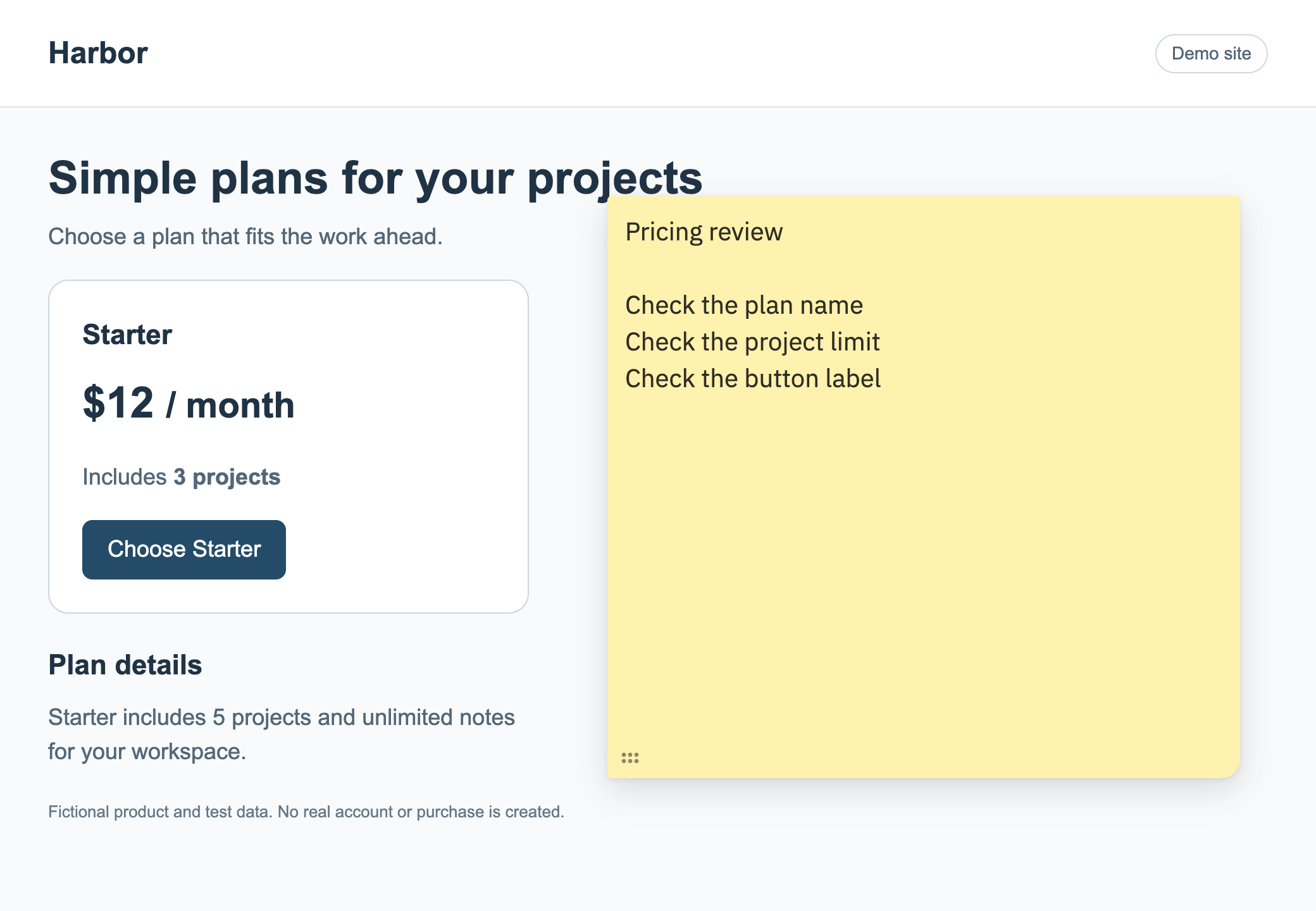
Choose New note from Duonote or the page's right-click menu. Add a short checklist for the page you are reviewing, such as checking the plan details, links and button labels.
Write down what needs changing
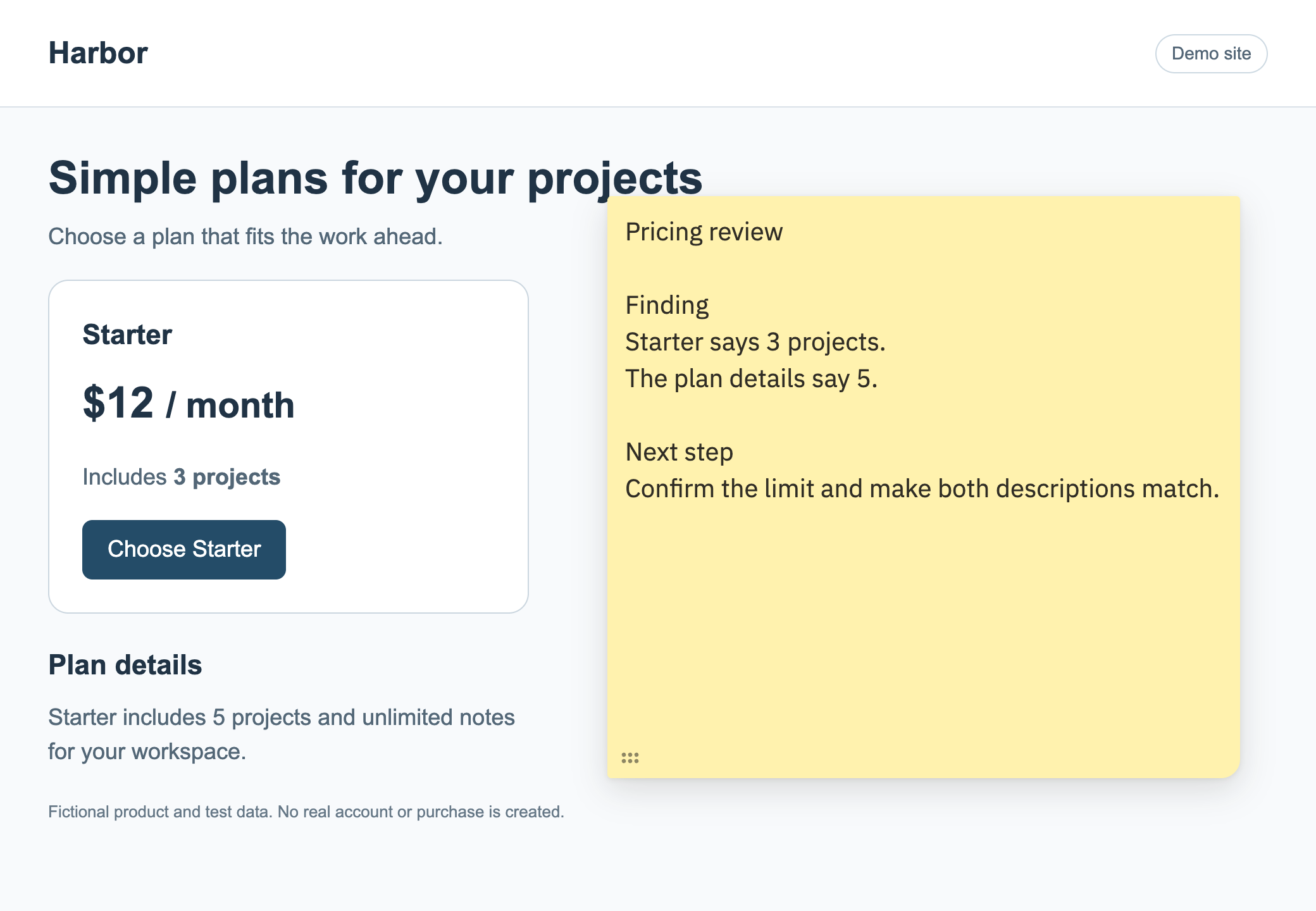
Record the exact wording or action you checked, what you found, and the change you want to make. Keep each finding specific enough to understand when you return later.
- Page
- Pricing
- Finding
- The Starter card says 3 projects, but the plan details say 5.
- Next step
- Confirm the correct limit and make both descriptions match.
- Status
- Needs review
Return and check the fix
After the page is updated, open the same URL in the same Chrome profile. Recheck the change and update your note with the result. Repeat on the other pages you need to review.
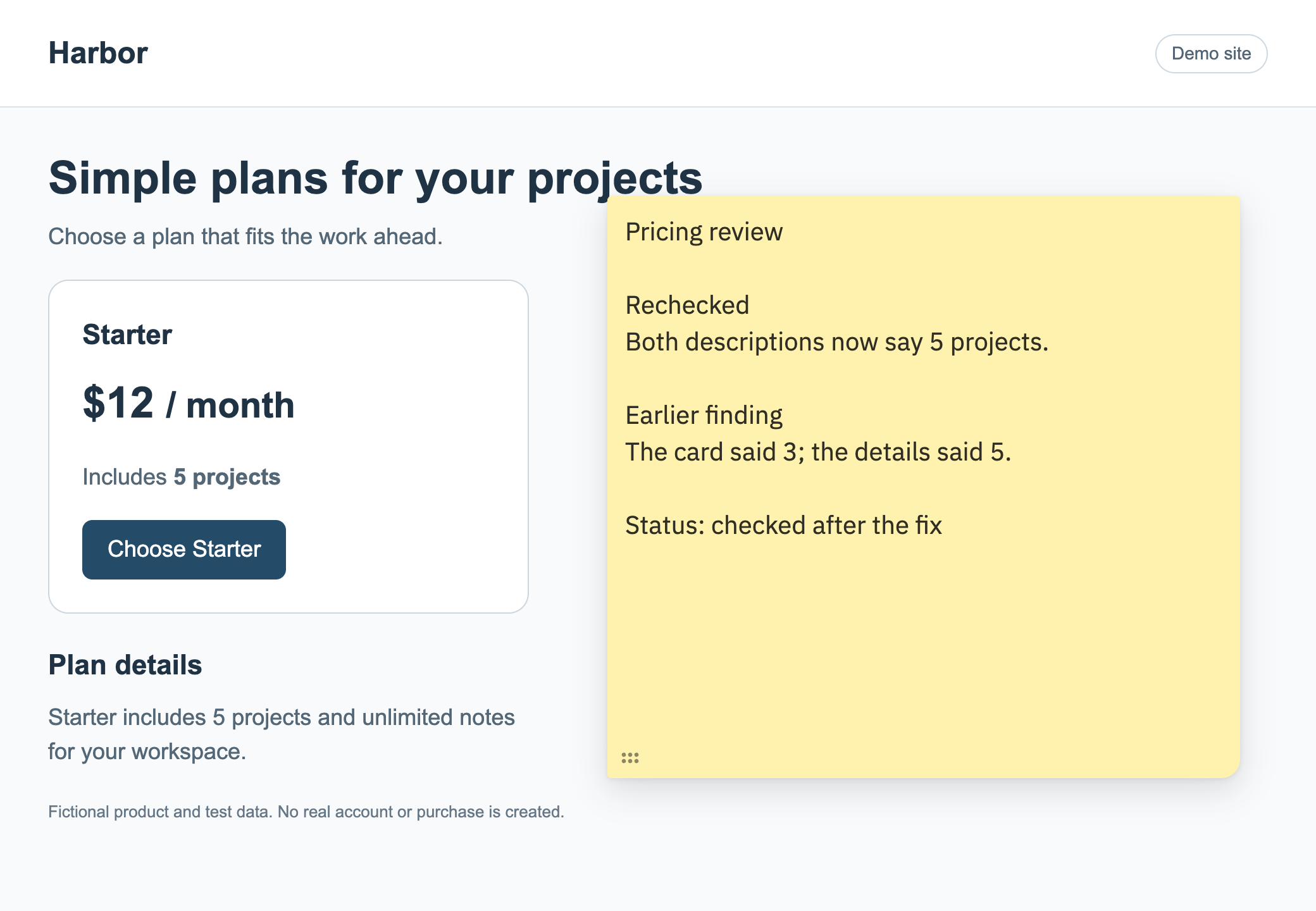
You finish with a review record you can read while looking at the page. Copy or download a note when you need to use its contents elsewhere.
Each note has a saved source URL. Reopen that exact URL to return to its saved notes; an open note can also stay with you as you browse in the same tab.